


University Academic Management
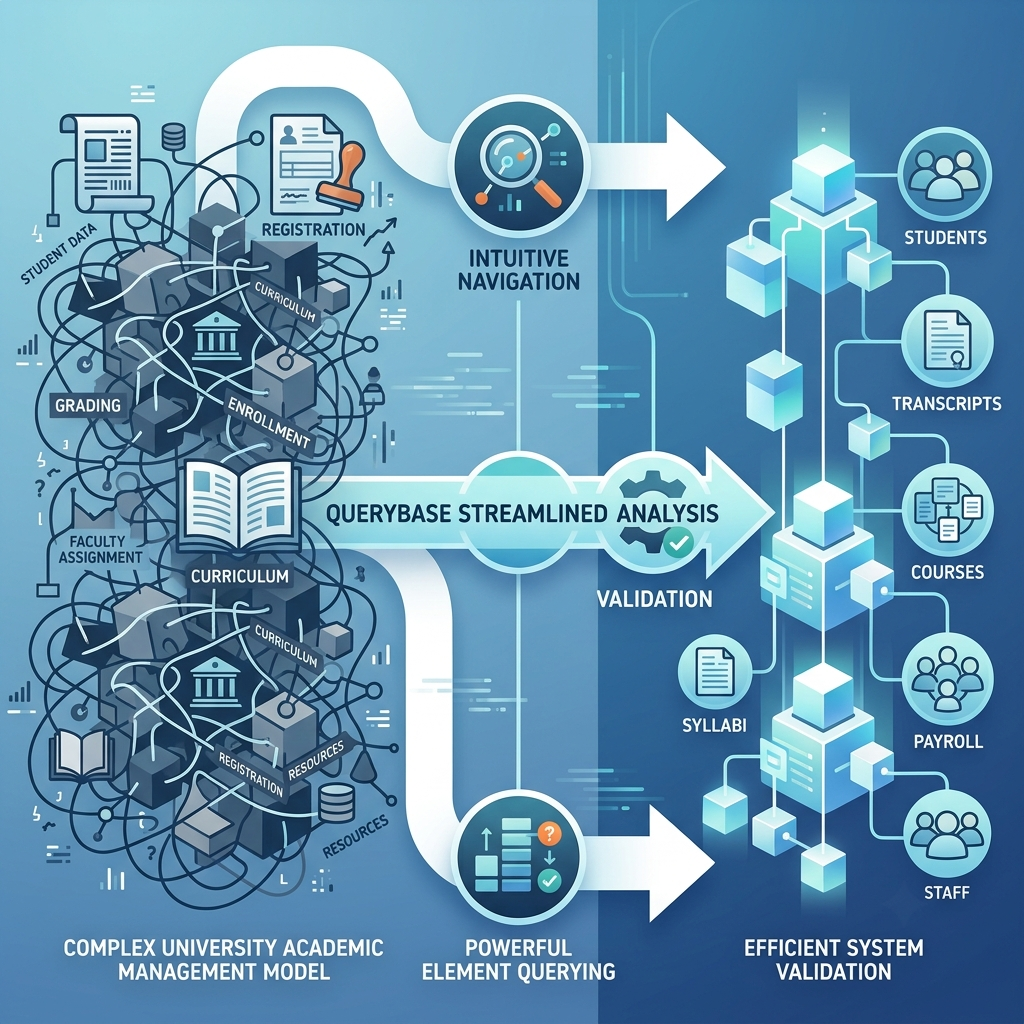
Introducing QueryBase, our web-based model browsing platform designed to simplify the exploration and validation of complex system models. This case study demonstrates how QueryBase’s intuitive navigation and powerful element querying features speed up critical analysis tasks within a large University Academic Management system.
The Scenario
A Comprehensive University Management System
Our subject organization manages a sprawling University Academic Management system, organized into four major projects:
- Attendance Management
- School Library Management
- University Class Scheduling
- University Enrollment System
Intuitive Browsing and Core Workflow Analysis
Nora begins her analysis at the QueryBase Corporate Dashboard, which displays the five active projects.
Step 1: Analyzing the Core Enrollment Process
Nora first focuses on the fundamental workflow: Enrolling a Student in a Course. She selects the University Enrollment System project to open the Project Dashboard.
She quickly locates and clicks the sequence diagram link, “Enroll in Course,” to open the visual process flow.
Step 2: Deep Dive into Service Logic
The Sequence Diagram opens, illustrating the steps involved in course registration. To understand the primary component handling the transaction details, Nora clicks on the LifeLine: “Enrollment System”.
Instantly, the specification pane opens at the bottom. This allows Nora to review the system component’s description, responsibilities, and technical properties right within the context of the interaction diagram.
Step 3: Reviewing the Structural Model
Next, Nora needs to examine the data structure supporting the enrollment process. Using the clear breadcrumb navigation, she efficiently returns to the Project Dashboard.
From the diagram list, she clicks on the Class Diagram link “Class Diagram” to review the structure and relationships of entities like Student, Course, and Enrollment Record.
Tracing Complex Workflows with Powerful Querying
Nora has confirmed the enrollment process. Her next, more challenging task is to trace the Borrow Book use case, as new library privileges are tied to enrollment status. The problem: she can’t recall if the library system is modeled under School Library Management or a general Student Services section.
Manually browsing multiple large projects for a single element is inefficient. This is the perfect job for QueryBase’s universal element querying feature.
Step 4: Initiating a Targeted Search
Nora clicks the magnifier icon (🔎) to open the dedicated Query Interface.
Her goal is to find the library borrowing workflow, so she sets a precise condition: list all elements across all projects where the Name property contains the text ‘Borrow’.
Step 5: Focusing Results on Use Cases
Nora clicks Search. The initial result is comprehensive, showing every element related to “Borrow” (e.g., classes, operations, attributes).
She uses the Element Type filter to quickly refine the list, unchecking everything except ‘Use Case’.
The result is instantly targeted, listing “Borrow Book : Use Case,” and correctly locating it within the School Library Management project—the precise information Nora needed, found in seconds.
Step 6: Instant Navigation and Traceability
Nora clicks on the search result ‘Borrow Book : Use Case’.
QueryBase instantly opens the associated Use Case Diagram. The “Borrow Book” use case is highlighted, and the specification pane is automatically displayed, providing its full properties and documentation.
Step 7: Following the Flow to Implementation
To complete her verification, Nora needs the technical details of the borrowing interaction. She switches to the “Diagrams” tab within the specification pane. This view lists all related implementation diagrams linked to the selected use case.
She clicks the link for the sequence diagram: “Borrow Book.”
This single click takes Nora directly to the Sequence Diagram, enabling her to instantly analyze the main and alternative interaction flows for borrowing and confirming the integration points she needed to validate.
Conclusion
Cross-Project Insight and System Clarity
Using QueryBase, Nora seamlessly validated the University Enrollment flow and then leveraged the powerful Query feature to instantly find and trace a critical, cross-project dependency in the School Library Management system.
QueryBase empowers analysts like Nora to cut down model discovery time, accelerate cross-project validation, and ensure consistency across a vast, complex academic management system.